A planning tool should not decide how a teacher teaches. The same source or lesson outline may be used for independent project work, a structured speaking routine or direct explanation. The appropriate method depends on the topic, the learners and what needs to happen in that lesson.
This is particularly important in CLIL. Interaction is valuable, but not every minute needs to be group work. Students may need a concise explanation before discussion, a model before a project or a text before a speaking activity. AI output should provide usable material for these choices rather than impose one format.
Start by naming the classroom purpose
Before generating anything, decide whether you need students to explore, practise, explain, apply or review. Then request the component that supports that purpose. A project brief, a short source text and a presentation outline are different products even when they cover the same subject.
Prompts improve when they state the teacher's intended method. 'Create a 15-minute teacher explanation with two checks for understanding' is clearer than 'make a lesson'. So is 'create a short text that students can use in a movement-based questioning activity'.
Classroom example: three teachers in one morning
During the November 2025 Phase 3 visit, three ICT teachers used the application in different ways without coordinating their approaches. Laura Rosati used generated briefs for student-led Java projects. Groups designed applications such as a Calorie Tracker, Music Quiz and Hotel Management system while the teacher circulated and supported them.
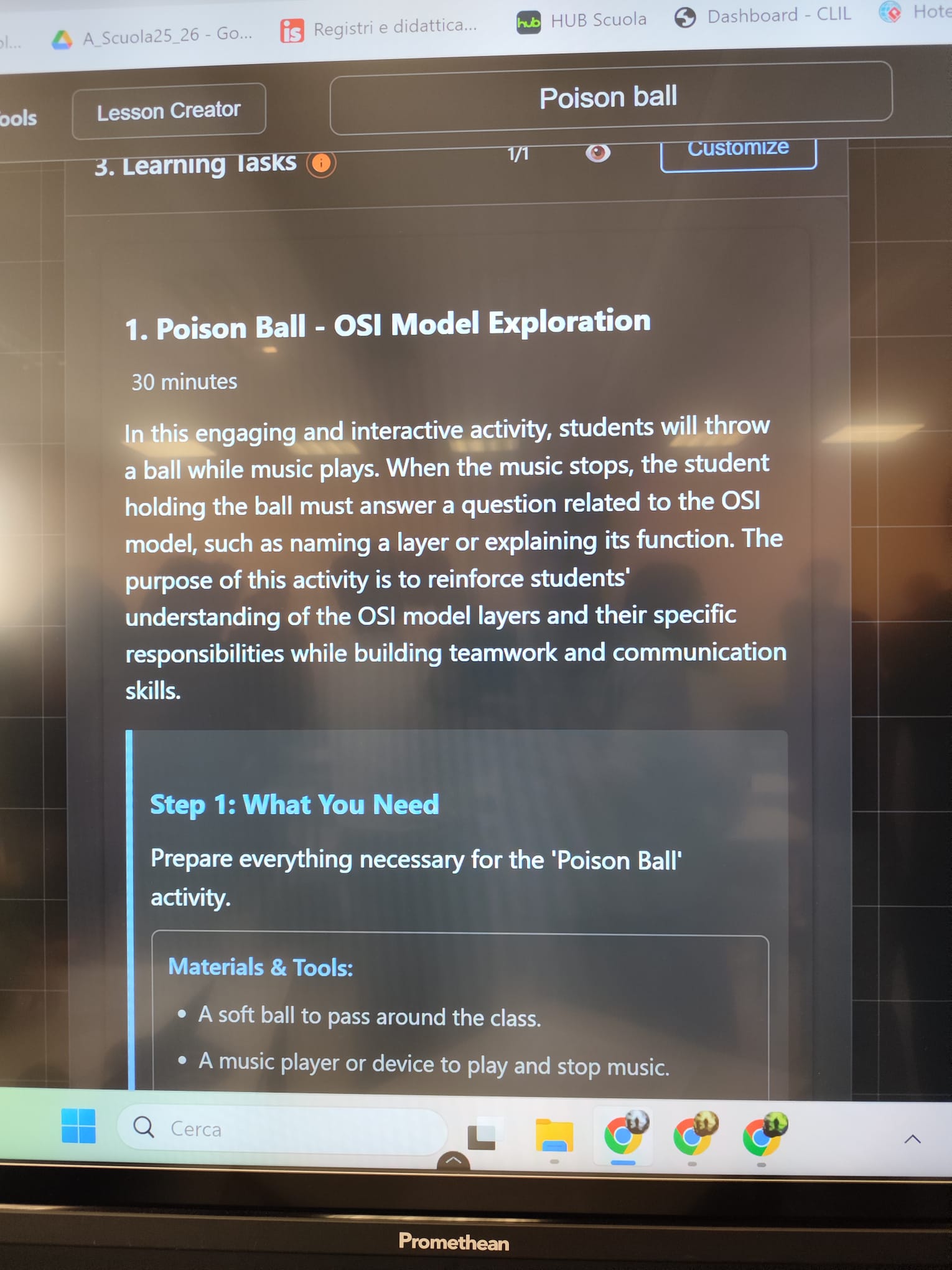
Frida Valecchi generated a short TCP text and placed it inside Poison Ball. One student read while holding a ball, another asked a question and a third responded. Music moved the ball around the room. A static source became a routine involving reading, listening and spontaneous questioning.
Francesco projected application output and used it for direct instruction. There was less student movement, but the structured explanation matched his judgement of the topic and group. The observation highlighted the need for clearly formatted material that a teacher could project and explain.
Classroom observation also exposed faults
The same morning revealed a technical context error concerning TCP, raw JSON instead of formatted HTML, a mismatch between the requested and generated result and an unexpected multiple-choice format. These problems matter because output that looks polished may still be technically or pedagogically wrong.
A teacher therefore needs to check both content and form. Is the subject statement correct? Does the format support the intended interaction? Are the instructions usable in the room? The answer may be to edit one section, select another activity type or discard the output and begin with a more precise request.
Choose the output that fits the method
- For project work: request a clear brief, stages, constraints and review questions.
- For speaking: request a short source, question forms and a participation routine.
- For direct explanation: request an accurate outline, examples and brief checks for understanding.
- For any method: verify technical content, timing and the requested format.